Keep the subject clear
Choose an image where the face or main detail is easy to recognize.
Custom Samsung Galaxy cases
Add your photo or text to a Galaxy S24, S24+, or S24 Ultra case, then preview the design before checkout.
Choose your exact model to open the designer:
Custom case: $29.99 USD
Preview your design before adding it to your cart.
Shipping is shown before payment. Production time varies.
Model first
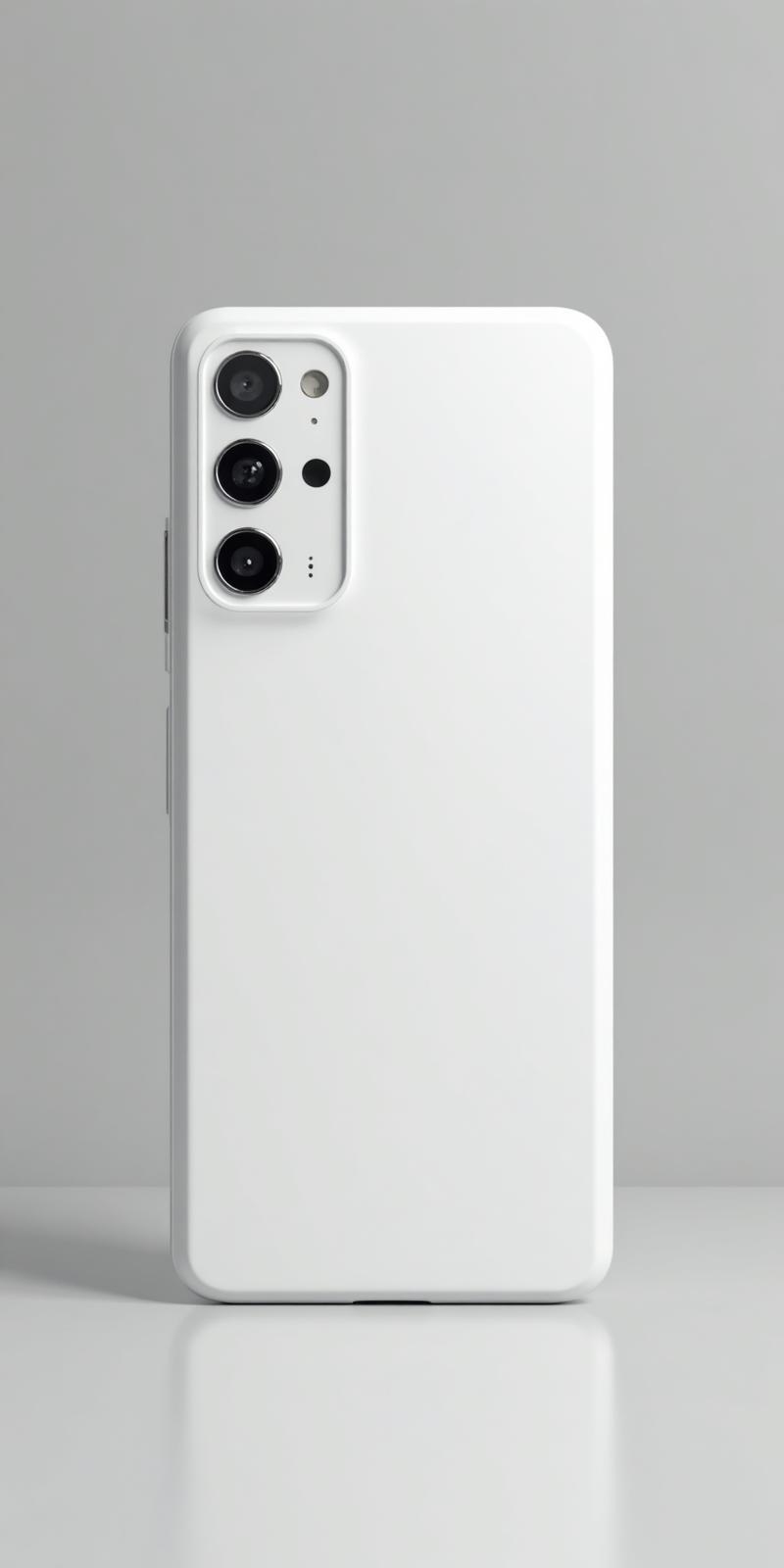
Camera layouts and case dimensions differ by model. Compare the full name of the phone with one of these current catalog options before starting the design.
Check the phone settings or ask the owner for the full model name. Do not choose from appearance alone.
Photo guidance
A flexible crop starts with a clear subject and extra space around it. The preview is where you check how that photo sits beside the camera area and outer edges.
Choose an image where the face or main detail is easy to recognize.
Avoid a crop that already cuts tightly around the important detail.
Use the preview to review anything placed near the upper corner.
A practical crop check
Generic diagram shown for crop guidance; the selected model controls the final preview.
From model to preview
Choose the device before you make design decisions, then use the preview as the last visual check.
Select Galaxy S24, Galaxy S24+, or Galaxy S24 Ultra so the design and order stay tied to the device you have.
Start with a focused image and leave a little room around the subject for crop adjustments.
Keep faces, text, and other important details away from the edges and the camera area.
Review the photo placement, spacing, and camera opening before adding the design to your cart.
The current Snapcase catalog supports Galaxy S24 Ultra, Galaxy S24+, Galaxy S24. Choose the full model name before opening the editor.
Use a clear image, leave some room around the main subject, and keep faces, text, and other important details away from the edges and camera area.
Yes. The design flow includes a preview so you can review the photo, spacing, and camera area before adding the case to your cart.
Browse every supported case if you need to compare Samsung and iPhone options before designing.
Browse all supported cases