01
Choose the model
Select the exact supported iPhone or Samsung model so the case size and camera opening match the device.
Choose the exact iPhone or Samsung model, upload a clear pet photo, add optional text, and preview the case before checkout.
Start designing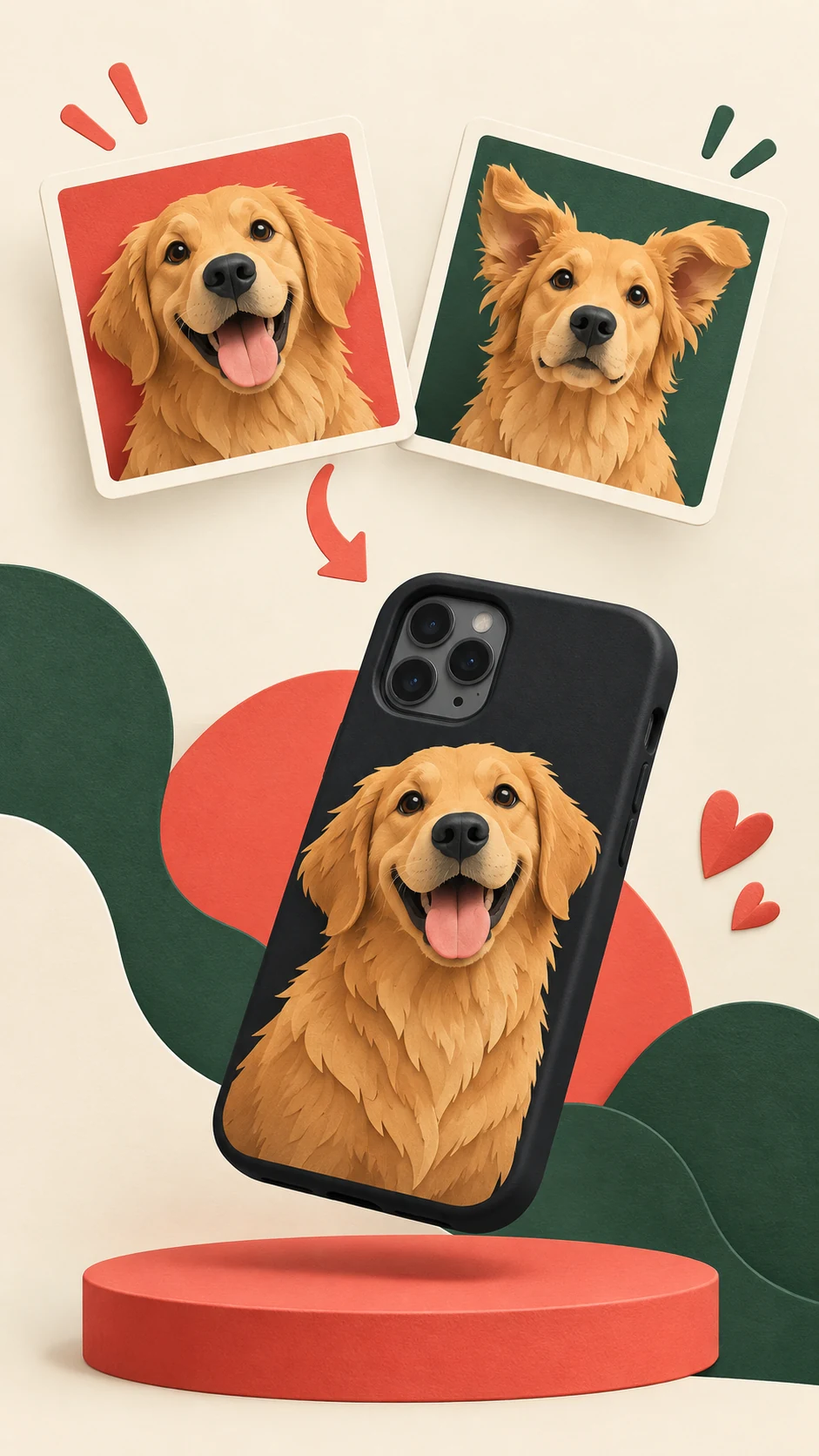
Your photo, your plan
Keep the ears, eyes, and personality in the picture. Use this checklist while looking at your photo; no upload is needed here.
Start with this photo. In the editor, move the subject below the camera opening and check that important details stay inside the case edges.
Check your phone settings. Similar names can need different cases.
Choose a supported phone modelUpload and adjust your photo in the editor. Review the preview before checkout.
Select the exact supported iPhone or Samsung model so the case size and camera opening match the device.
Start with a well-lit image where your pet's face is sharp and there is a little space around the subject.
Keep optional text short so the pet photo remains the focus of the design.
Review the case preview, including the photo, text, spacing, and camera area, before checkout.
Photo guidance
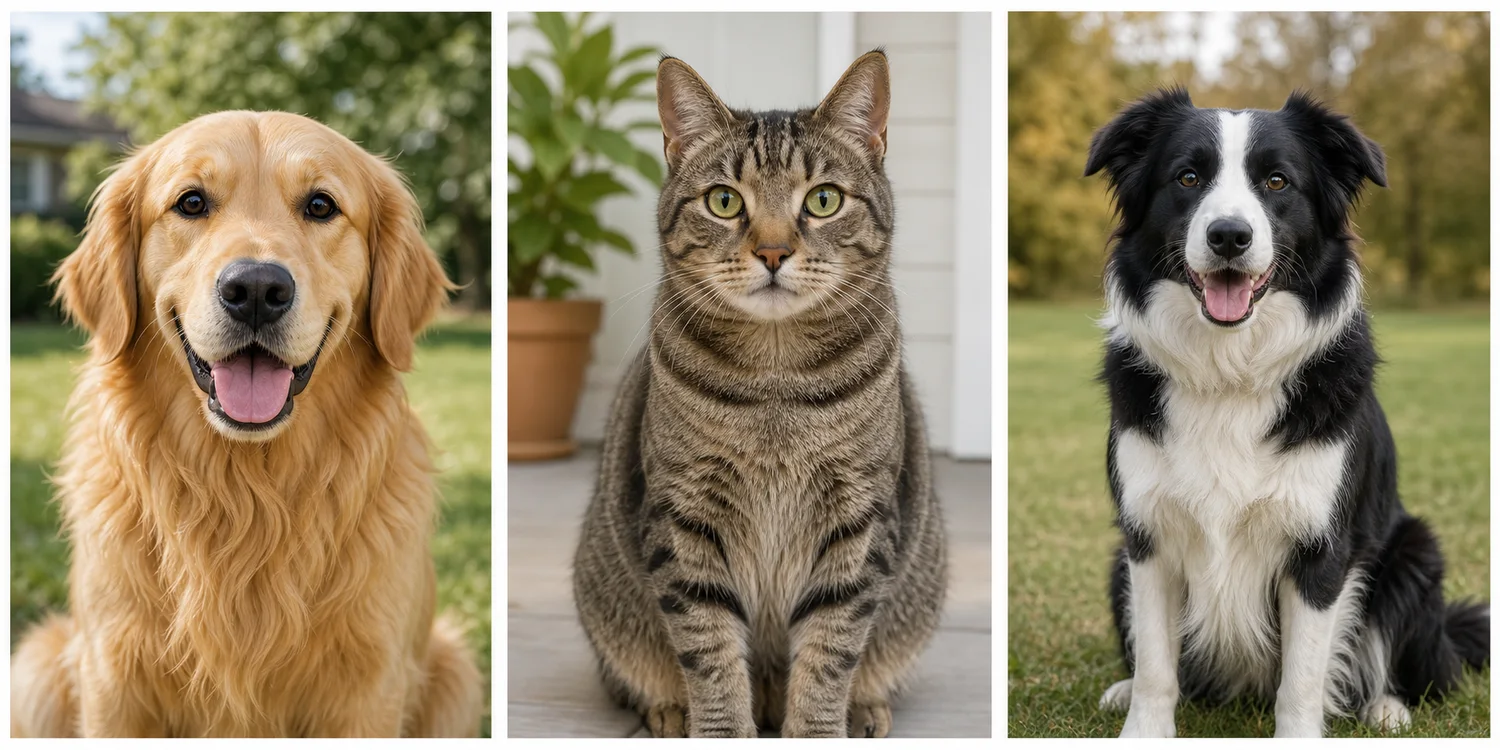
Generic examples shown for photo-selection guidance.
Before you design
The model determines the case size and camera opening. Choose the supported iPhone or Samsung model before you upload the photo.
Keep it focused
Use one favorite portrait as the main design and leave enough space around the face for a clear crop.
Add a pet's name or one short message when it makes the design more personal without crowding the photo.
Choose a simple background color that helps the pet stand out and keeps the finished design easy to read.
Choose the exact model, then add your pet photo.
Apple
Apple
Apple
Samsung
Samsung
Samsung
Yes. Upload a pet photo, add a short name or message, and use the preview to check the full layout before checkout.
Yes. The design flow includes a preview before you add the custom case to your cart.
Snapcase supports selected iPhone and Samsung models. Choose the exact model first so the case size and camera opening match the device.