1
Choose your iPhone
Select the exact supported iPhone model so the design and order stay tied to the device you have.
Your photo. Your exact model.
Pick the exact iPhone model first, then upload a photo, add optional text, and preview your case before checkout.
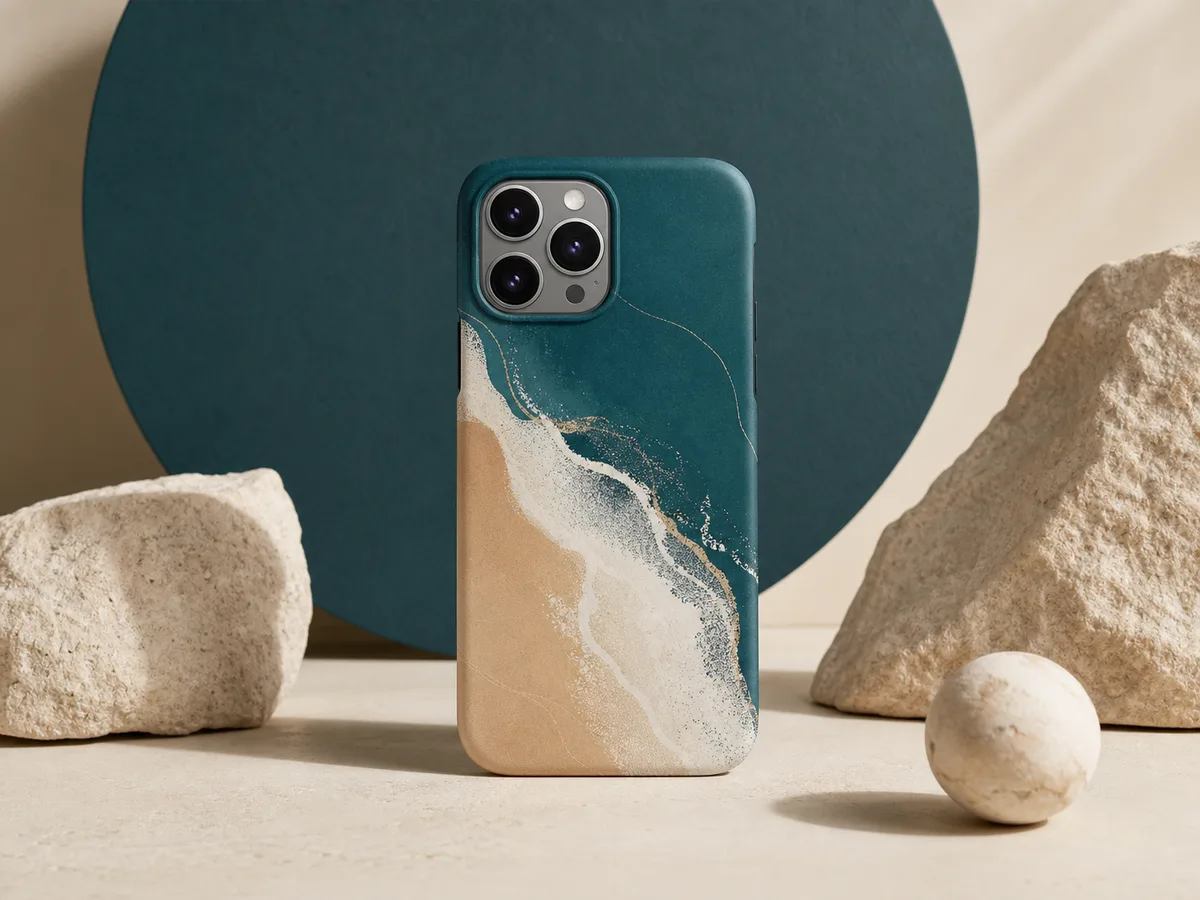
Step 1
Select the full model name shown for the phone you have.
See every supported modelCrop it with care
Use a clear photo, keep the main subject away from the edges, and check the camera area in the preview.
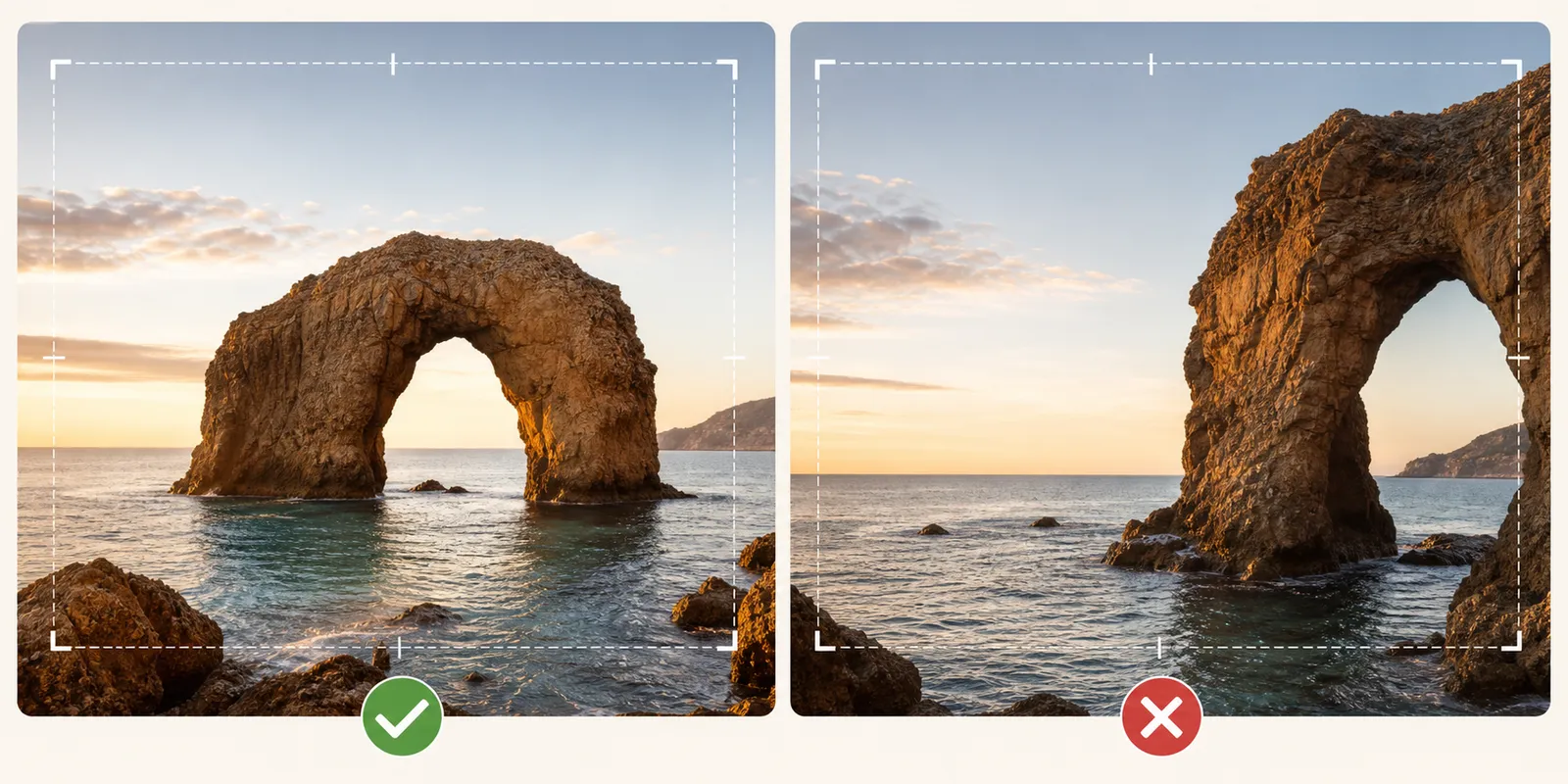
Generic example shown for photo-selection guidance.
Select the exact supported iPhone model so the design and order stay tied to the device you have.
Use a clear image and leave space around the main subject so you have room to adjust the crop.
Add a short name, date, or message when it helps the design feel more personal.
Review the photo, text, spacing, and camera area before adding the case to your cart.
Keep it focused
Start with one clear image. Add a short message only when it helps the design feel more personal without crowding the subject.
Choose a subject that is easy to recognize at phone-case size.
Keep optional text brief and review its placement in the preview.
The selected model controls the case size and camera opening. Check the full iPhone model name before starting the design.
Before checkout
Phone cases are model-specific, including their size and camera opening. Confirm the full model name before you begin the design.
Yes. You can upload an image, add optional text, and use the preview to review the full layout before checkout.
Yes. The design flow includes a preview step before you add the custom case to your cart.
Start with a clear image where the main subject is easy to see and has a little room around it for cropping.